

用于指示零部件补充和状态的 K100 可编程显示报警灯
配备 LCA130T 的 K100 可编程显示报警灯可通过清晰的视觉、文字和声音提示装配单元中的零部件补充请求和状态。


有多达 32 个滚动显示字符和 14 种报警灯颜色可供选择,只需一台小巧的设备就能在各个方向提供醒目的指示和实用的信息。
离散型号可使用邦纳免费提供的 Pro Editor 软件配置五种富有表现力的显示模式(计数器、测量、脉冲控制、序列和计时器)和 14 种动态颜色选项;而 IO-Link 和 Modbus 型号则可通过协议进行动态控制。

How to program the K100 Programmable Display Beacon in Counter Mode
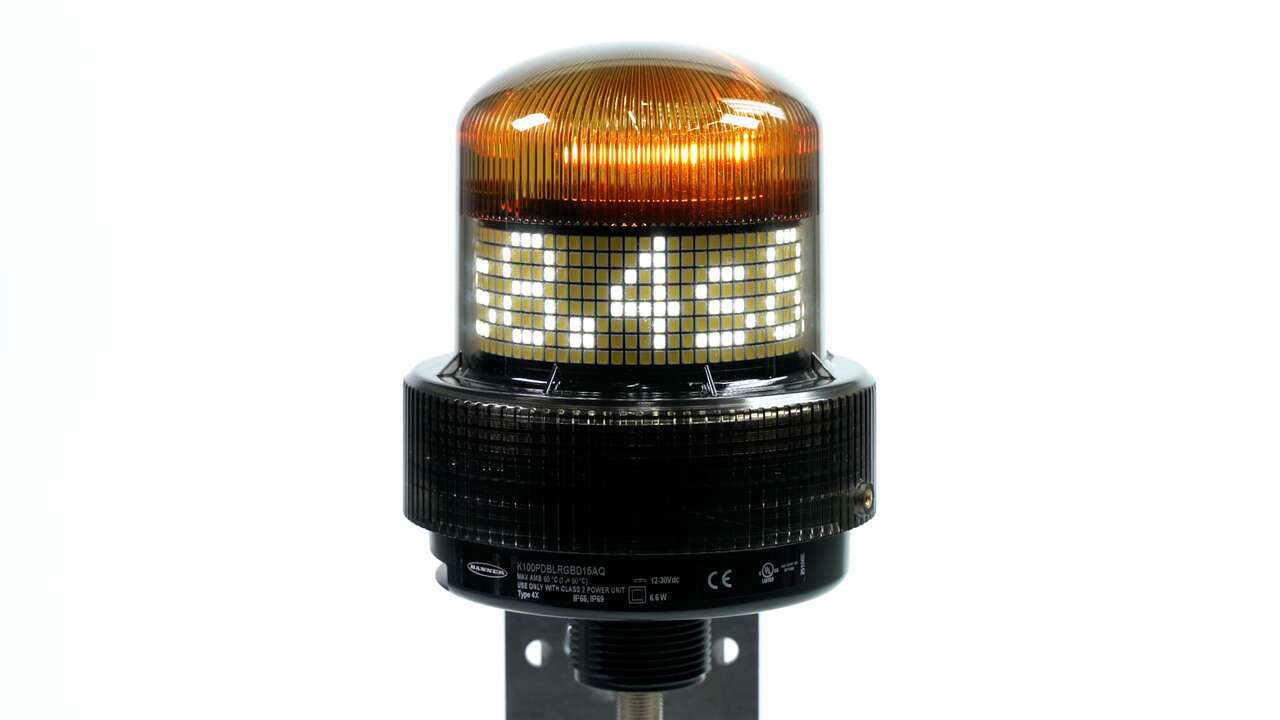
How to program the K100 Programmable Display Beacon in Timer Mode

How to program the K100 Programmable Display Beacon in Pulse Control Mode
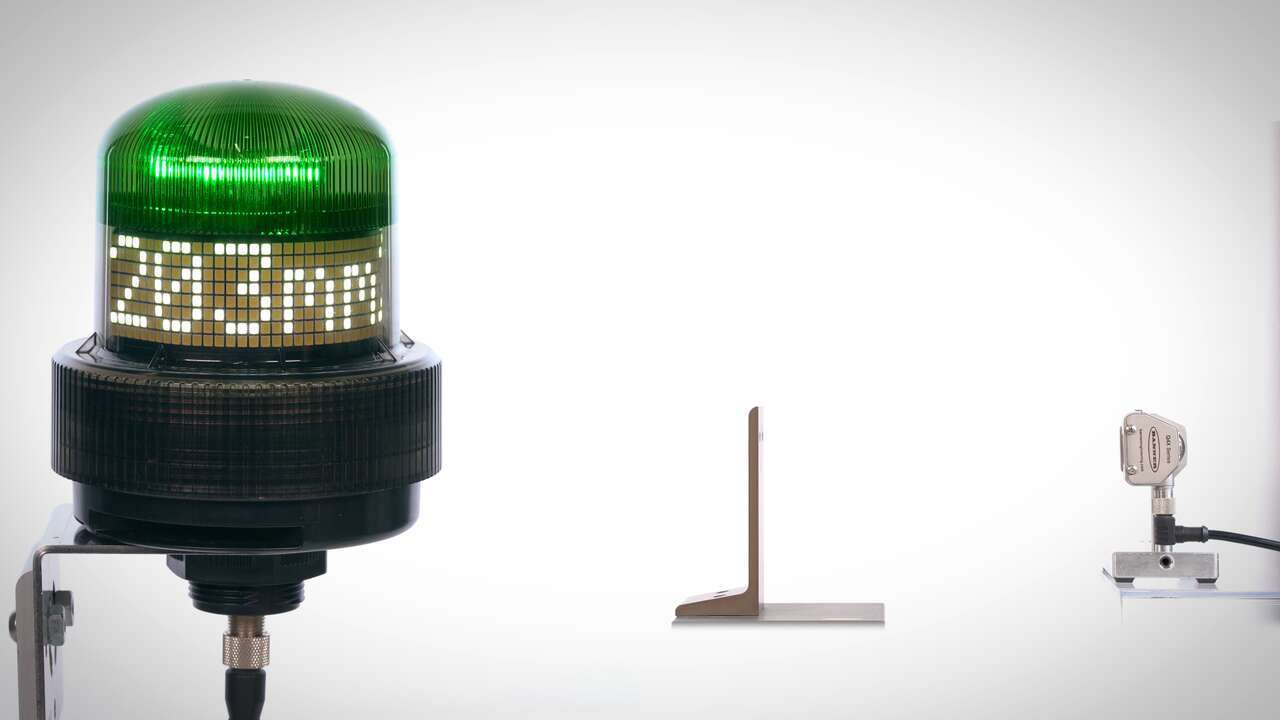
This video explains how to use the K100 Programmable Display Beacon Measure Mode.
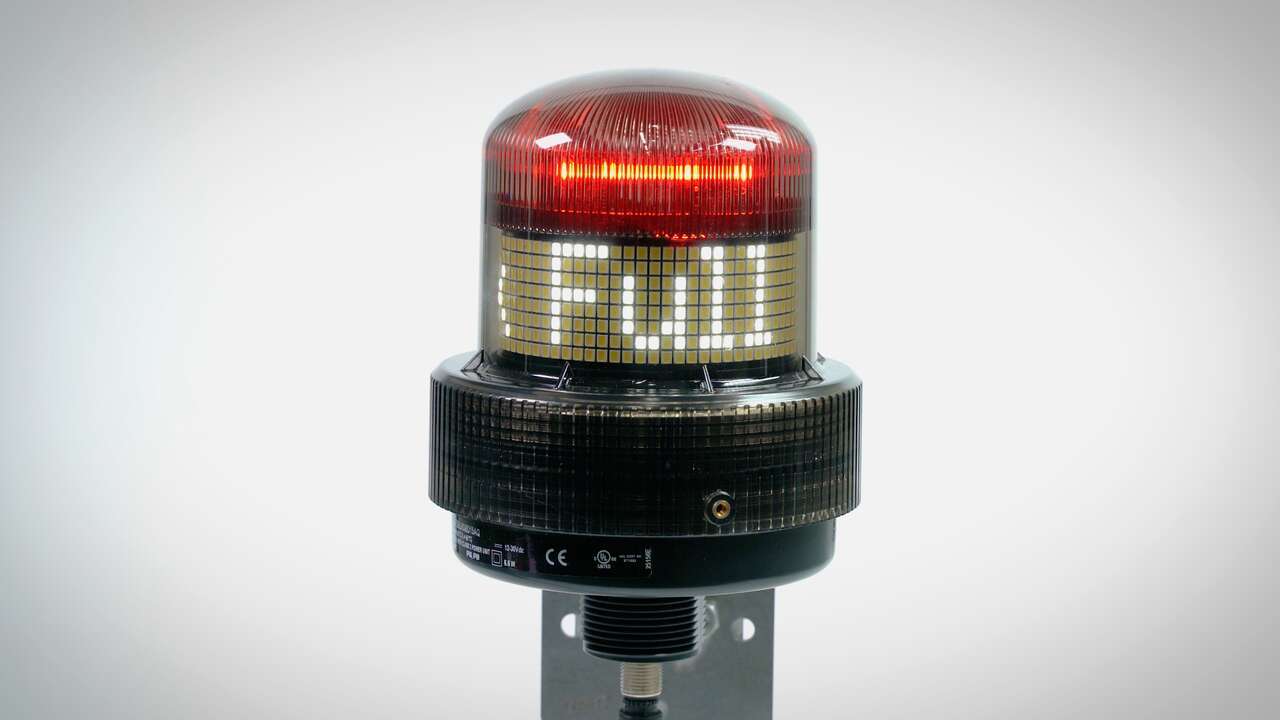
How to program the K100 Programmable Display Beacon in Pro Editor
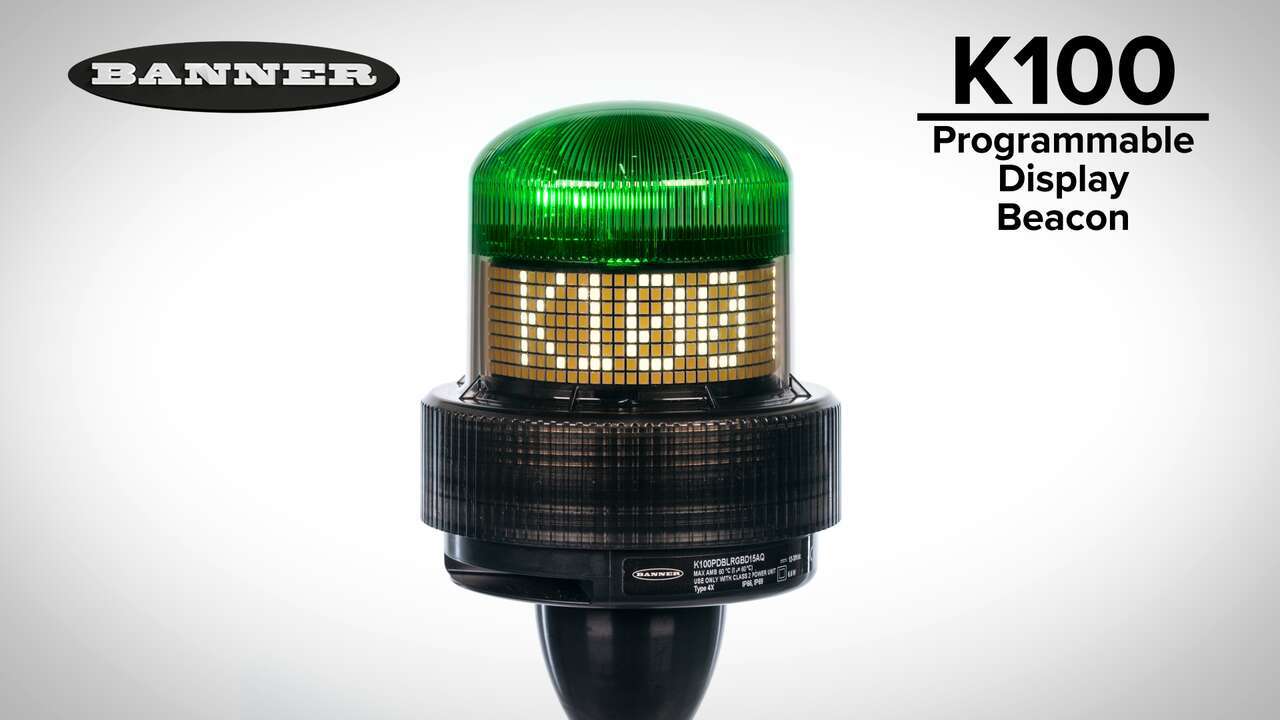
Watch this video for an overview of the features and benefits of the K100 Programmable Display Beacon.
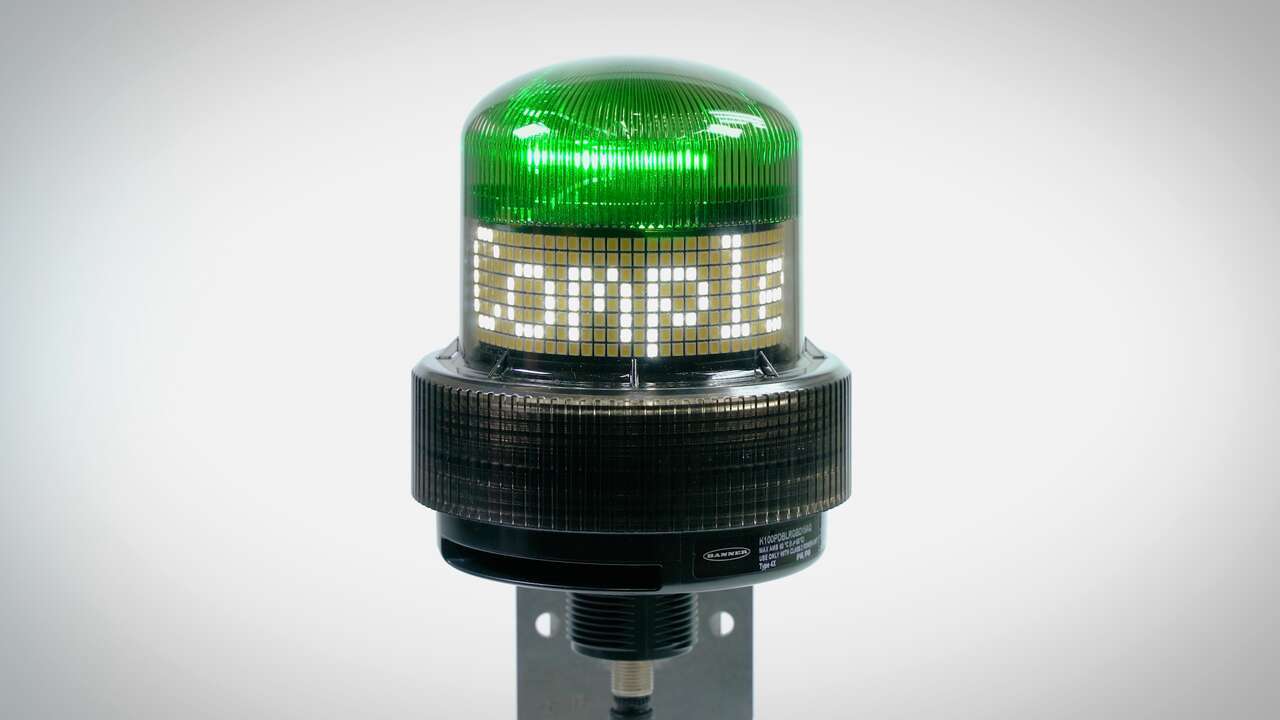
How to program the K100 Programmable Display Beacon in Sequence Mode
Our application engineers are here to help with expert guidance and support. Send us your inquiry, and we’ll get back to you as soon as possible. We’re here to make sure you get the answers you need.


