安全控制器软件
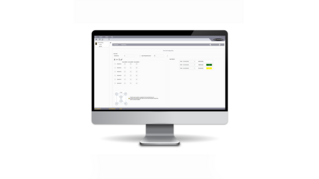
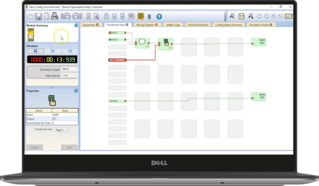
邦纳的及其安全控制器软件功能丰富,提供无缝的用户界面,便于设置和管理安全系统。
Banner's bundle builder is a simple guided process to help you build out your Machine Safety solution. In each step you will choose the product that is right for your application. If you have any questions, please contact a trained applications engineer, and we will be happy to help you build your Machine Safety solution over the phone or via chat.
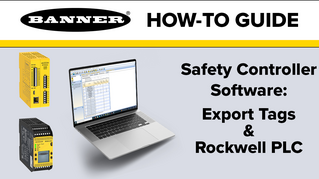
This video explains how to do the tag export feature inside the Banner safety controller software to a Rockwell Studio 5000.
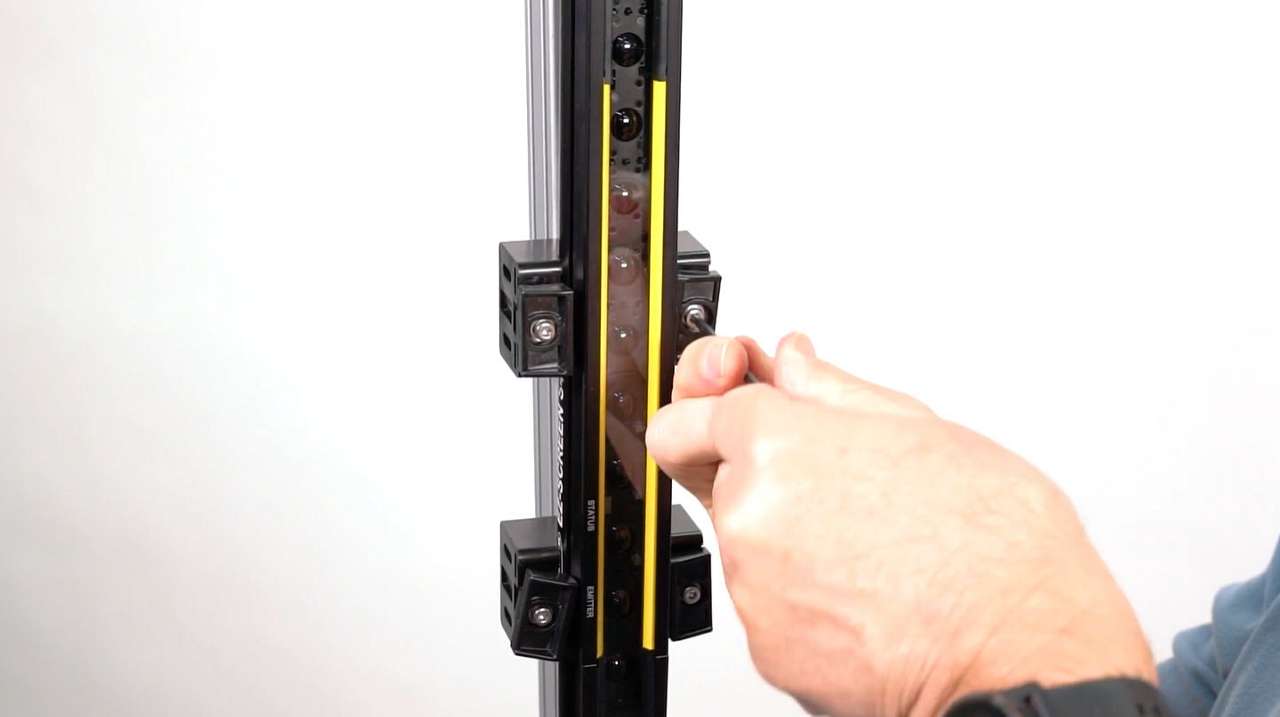
了解如何使用端接或侧装支架安装和对准 S4B 安全光幕。
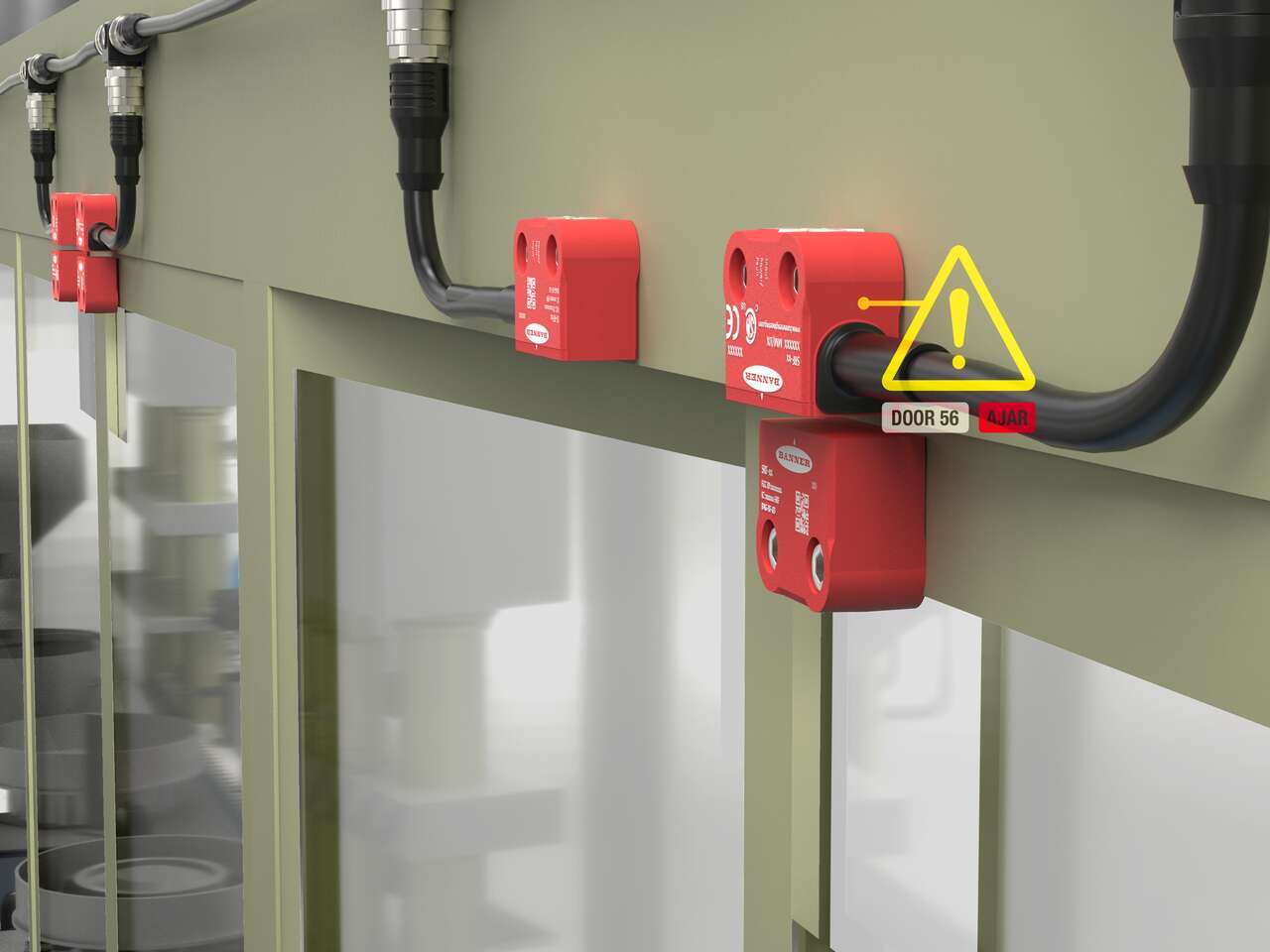
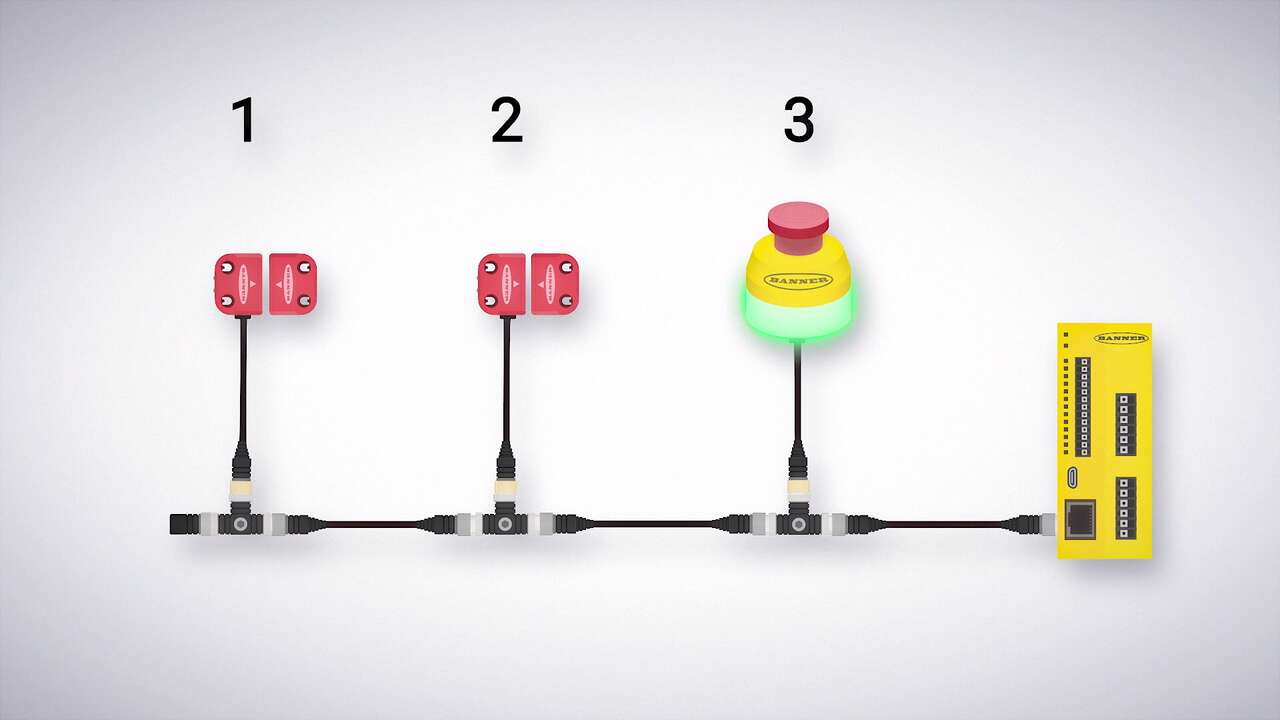
Watch this video to learn how to configure and monitor an in-series diagnostics chain with a Banner safety controller.
Watch this video to learn how to set up the Network Access feature for the XS26 and SC26 Safety Controllers.
Watch this video to learn how to configure STB Safety Touch Buttons to a Banner safety controller.
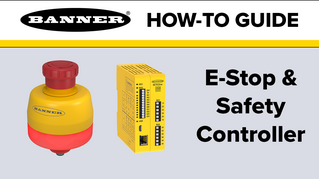
Watch this video to learn how to configure an emergency stop button to an SC10 safety controller.
Watch this video to learn how to use the SC-XM3 external memory drive to copy Banner safety controller configurations.
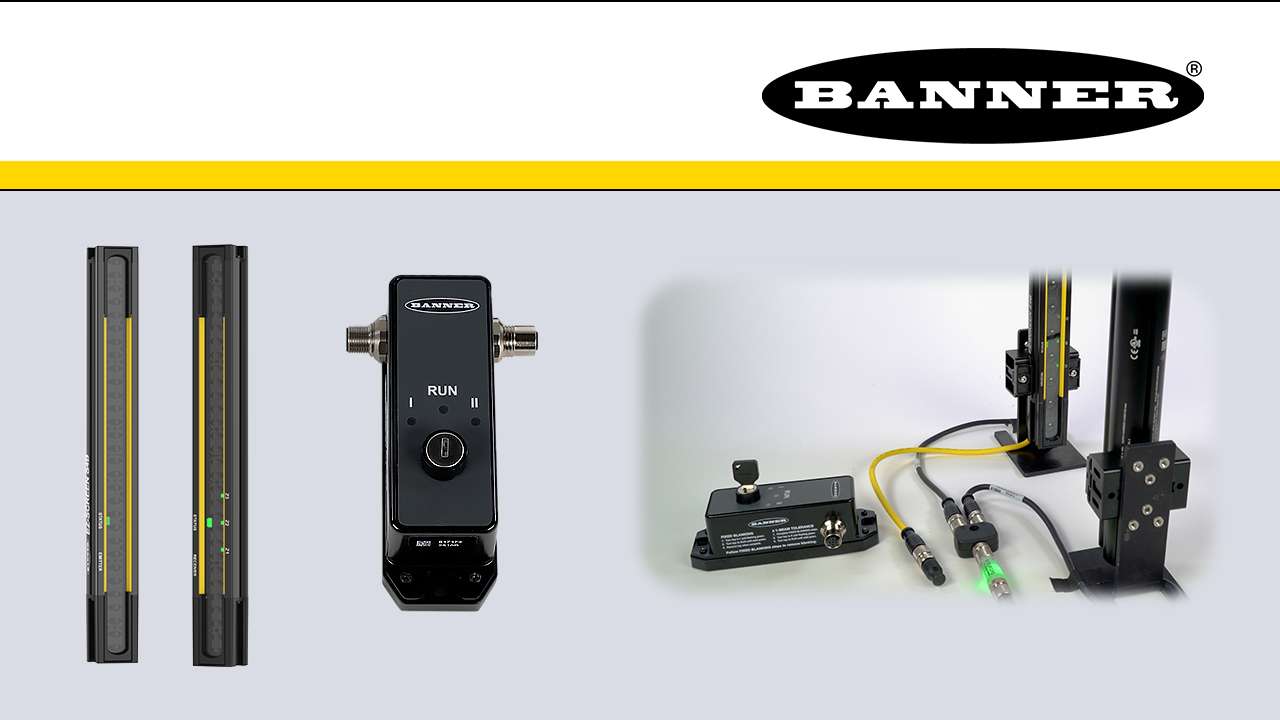
This is a quick how-to video that will cover how to use the remote fixed blanking feature in the S4B Safety Light Curtains from Banner Engineering.
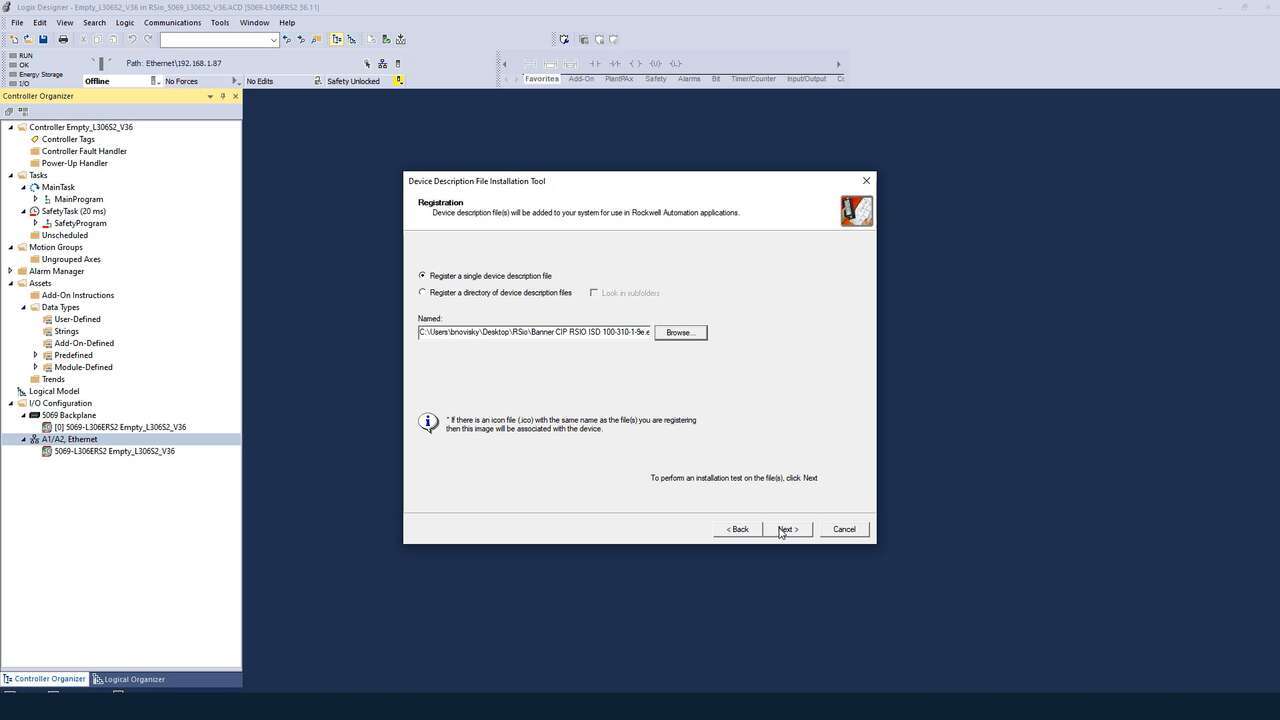
A demonstration of how to install the EDS software for the RSio Remote Safe I/O Block.
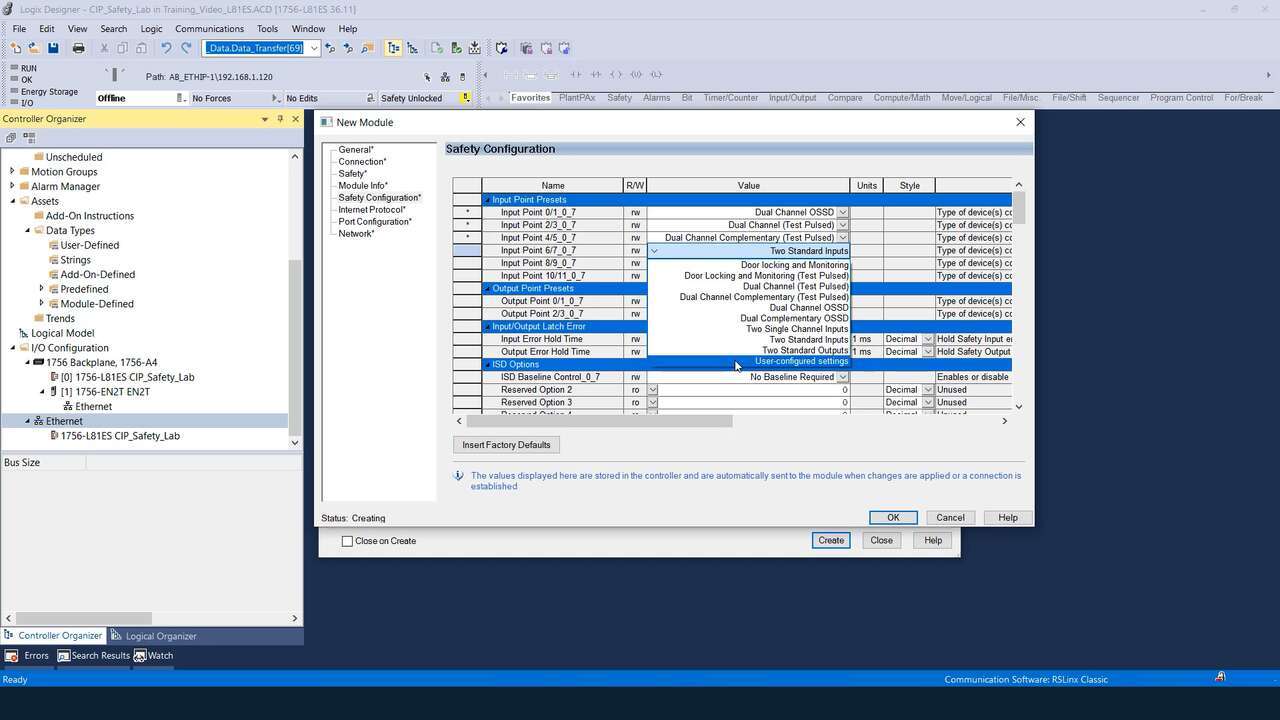
A demonstration of how to configure the presets for the RSio Remote Safe I/O Block.
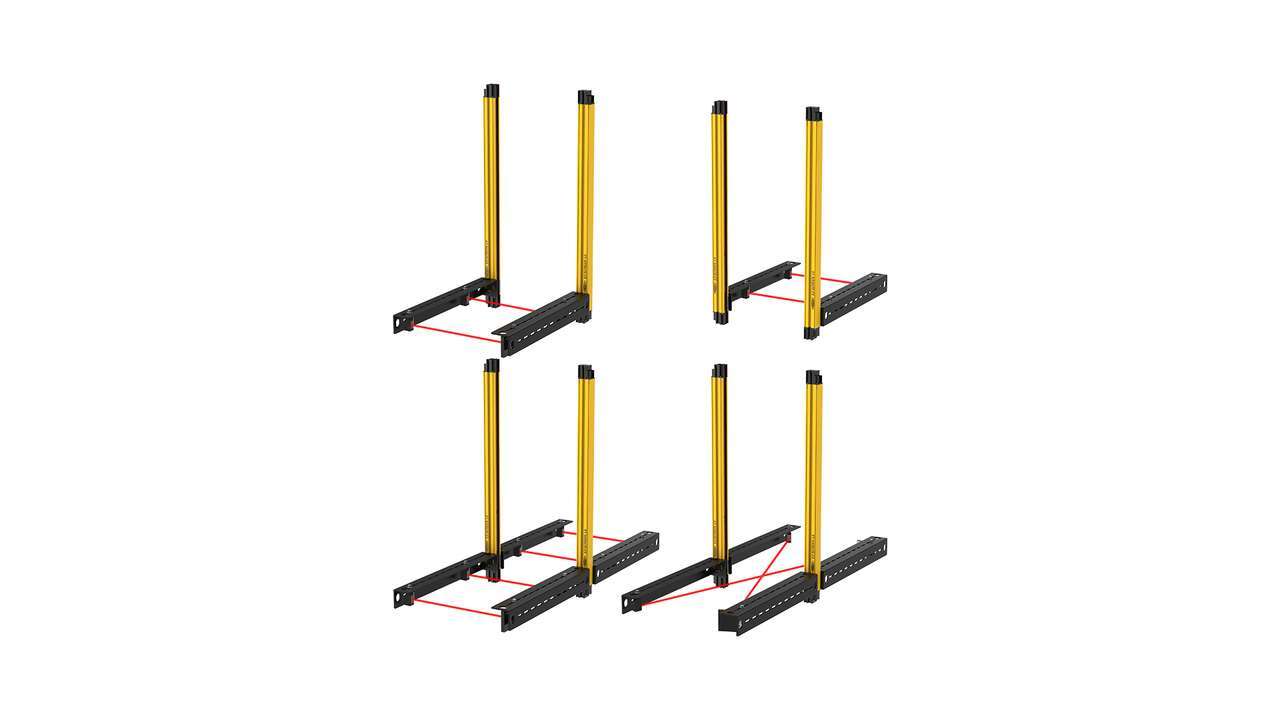
了解如何设置 XS 安全控制器,来与屏蔽臂套件和 LS 安全光幕配合使用。邦纳预装配屏蔽臂套件有 L、T 和 X 三种配置,是生产线末端包装应用的即插即用解决方案。