



SC Software ISD
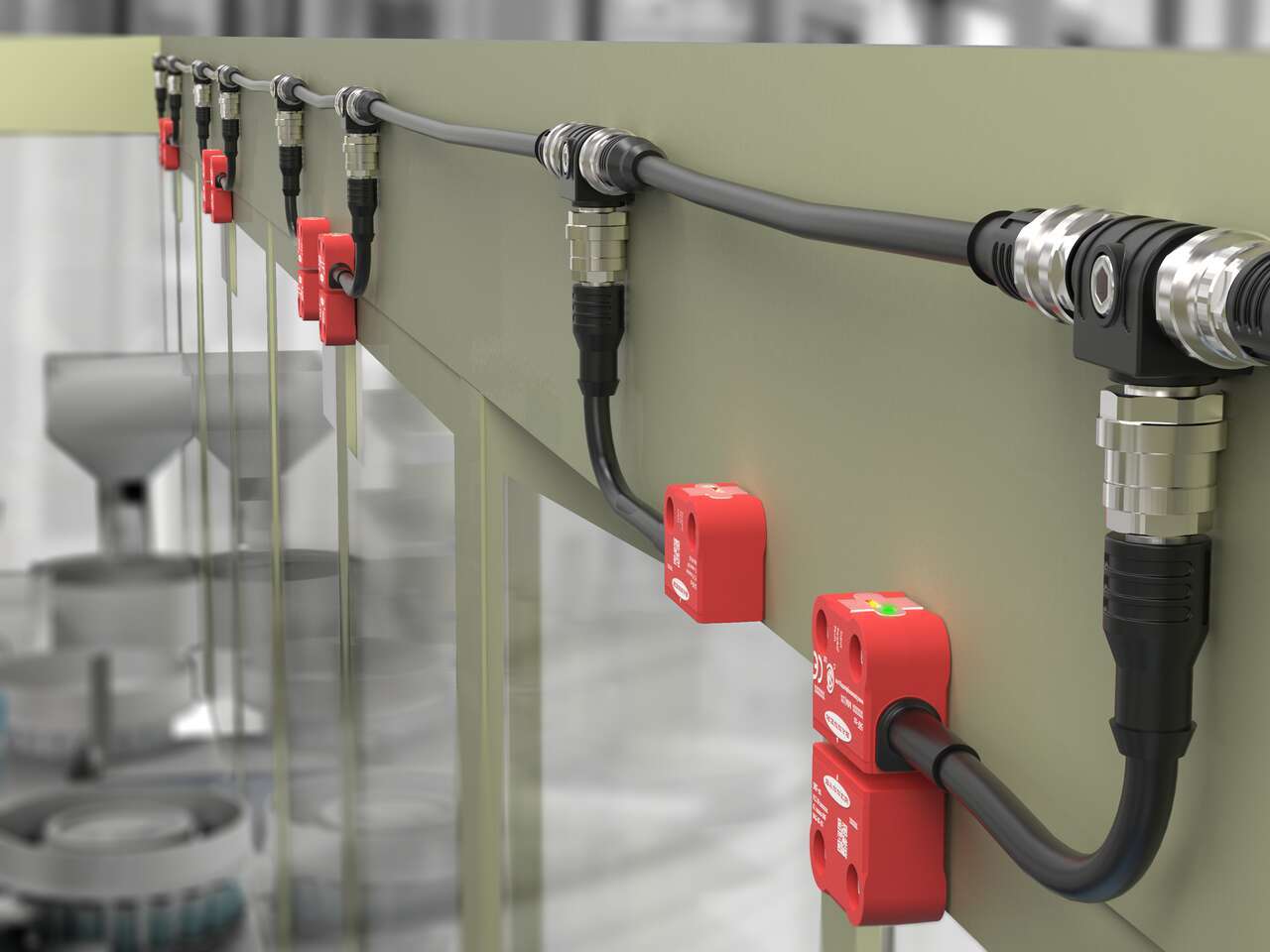
Watch this video to learn how to configure and monitor an in-series diagnostics chain with a Banner safety controller.

Watch this video to learn how to configure and monitor an in-series diagnostics chain with a Banner safety controller.
Watch this video to learn how to set up the Network Access feature for the XS26 and SC26 Safety Controllers.
Watch this video to learn how to configure STB Safety Touch Buttons to a Banner safety controller.
Watch this video to learn how to configure an emergency stop button to an SC10 safety controller.
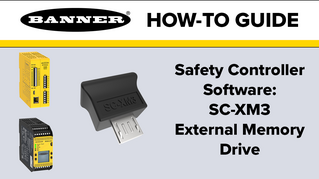
Watch this video to learn how to use the SC-XM3 external memory drive to copy Banner safety controller configurations.
A tutorial of the Equipment and Wiring Diagram sections of the Safety Controller software from Banner Engineering.
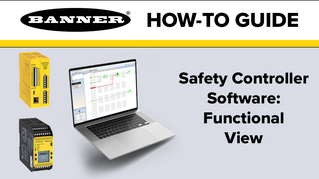
A tutorial of the Functional View section of the Safety Controller software from Banner Engineering.
Watch this video for an overview of the SC software, which allows you to configure your Banner safety controller to fit your specific safety application needs.
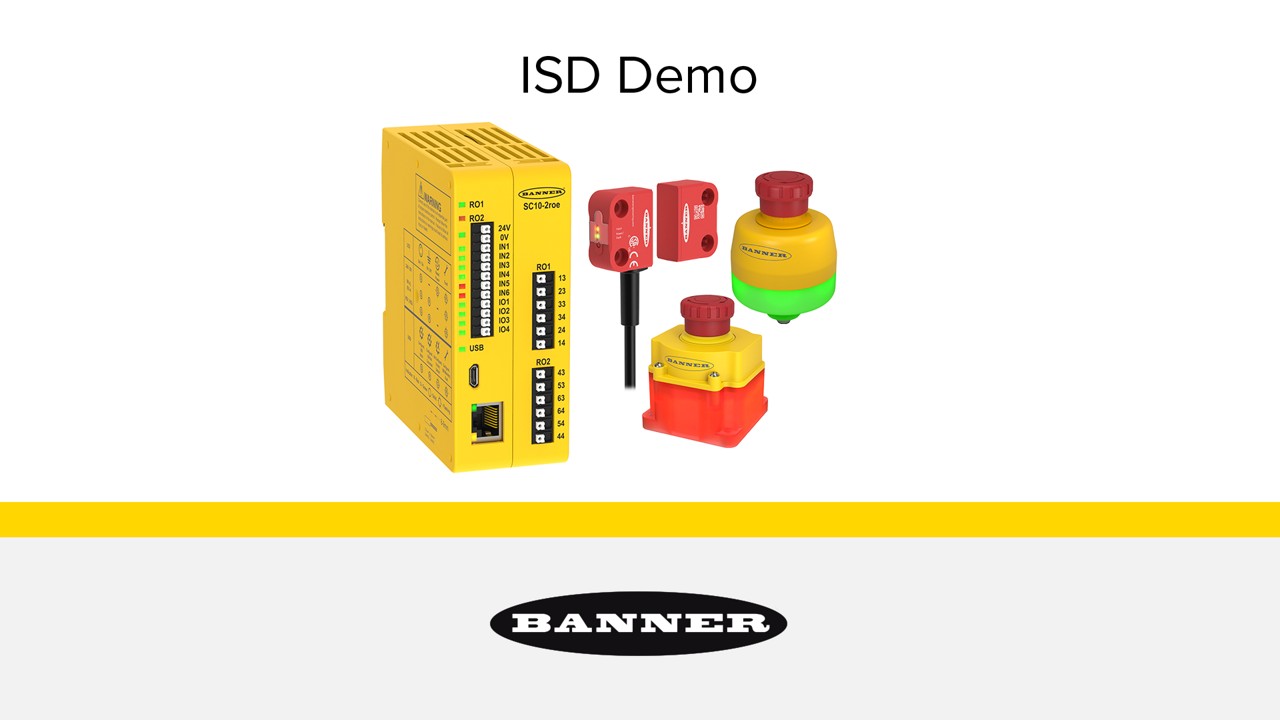
了解如何轻松实施和使用完整的系列内部诊断安全系统。
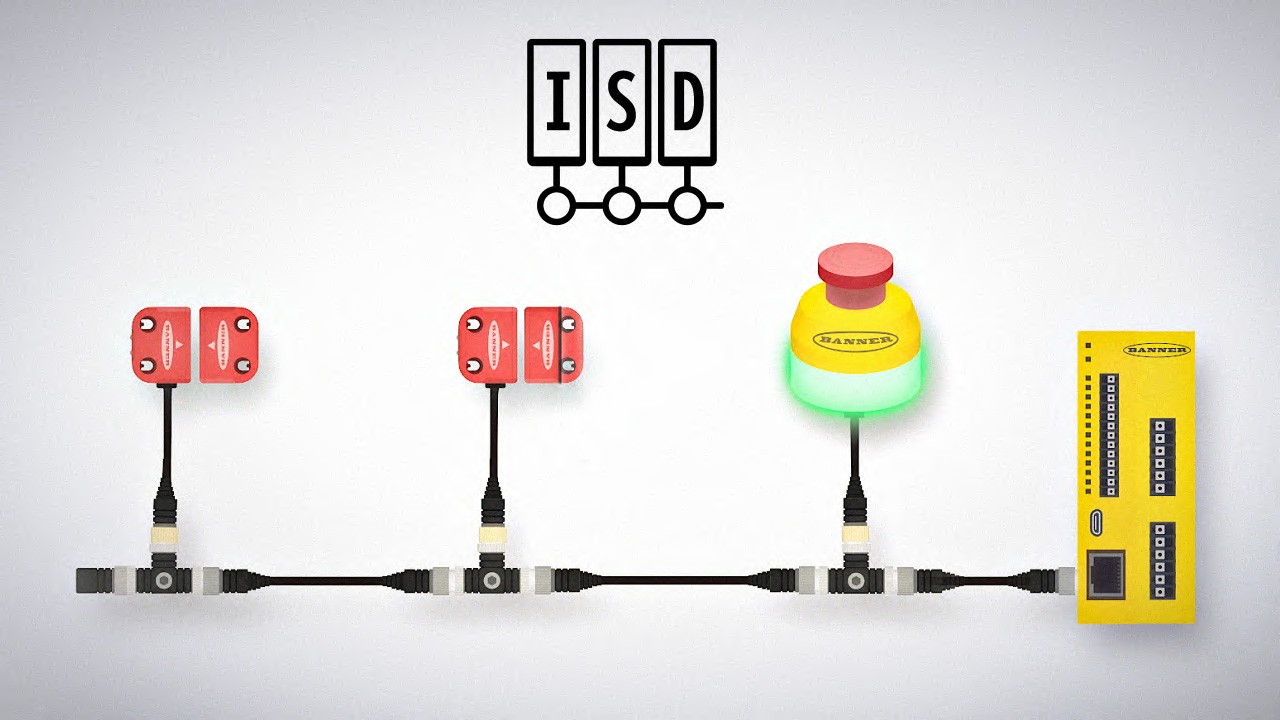
借助系列内部诊断 (ISD),可以便捷地从安全系统中的设备访问诊断数据,无需借助特殊设备或进行专门布线。用户可以排除机器安全系统的故障,预防系统故障,减少设备停机时间。
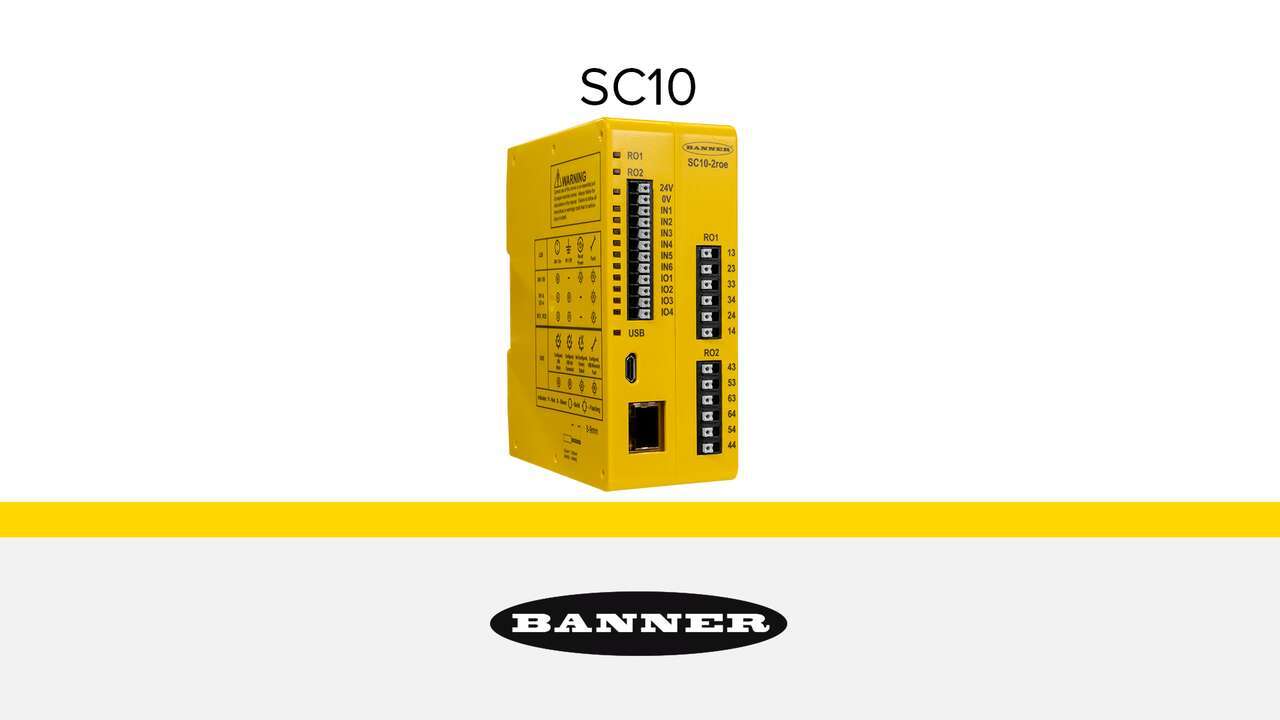
SC10 系列安全控制器结构紧凑、经济高效、使用便捷,可取代两个或多个安全继电器模块的功能。
Our application engineers are here to help with expert guidance and support. Send us your inquiry, and we’ll get back to you as soon as possible. We’re here to make sure you get the answers you need.